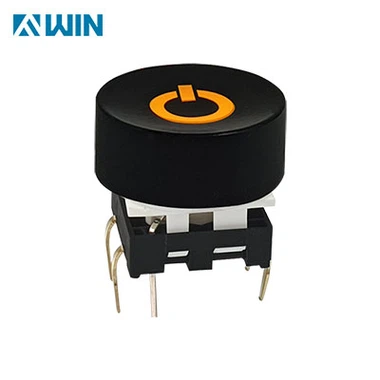
keycap features and description
Mar 04, 2023
Keycap Features
1. Profile: Keycaps come in three main profiles: OEM, Cherry, and SA. OEM is the most common profile and is simply a cylindrical shape with a slightly curved top. Cherry is generally considered the most ergonomic and comfortable profile, while SA is a very angular profile with a flat top.
2. Textures: Keycaps come in a wide range of textures, such as smooth, textured, and even metallic or plastic with smooth or textured finishes. Textures are important to gaming as they provide better tactility and feedback, allowing gamers to locate their fingers on the keyboard faster and with greater accuracy.
3. Colors: Keycaps come in lots of colors to match whatever internal or external lighting setup you have. From bright and solid colors to much more muted colors, keycaps can be customized to any room or gaming setup.
4. Keycap Legends: Keycap legends are what typeface is used for the lettering printed or laser etched onto the top of the keycap. Depending on the model and manufacturer, fonts such as Arial, Helvetica, Times New Roman, or even custom fonts can be printed or laser-etched onto keycaps.
5. Specialties: Some keycaps can also come with specialties, such as sculpted tops, wide surfaces, or unique symbols. These can add an extra layer of flair to any keyboard and can make keyboards more fun and interesting to use.
6. Lighting Effects: Some keycaps also come with lighting effects, such as EL-wire or backlighting, which allow for special effects to be displayed on the keys, such as glowing symbols or logos.